
Look for an opening
Each arrow slides in the direction it points. Find one with nothing in its path.
A little focus. A satisfying escape.
Find a clear path, tap an arrow, and watch the puzzle open up. Explore 1,000 levels at your own pace. No timer. No rush.
Free to play · Contains ads · No account needed to start
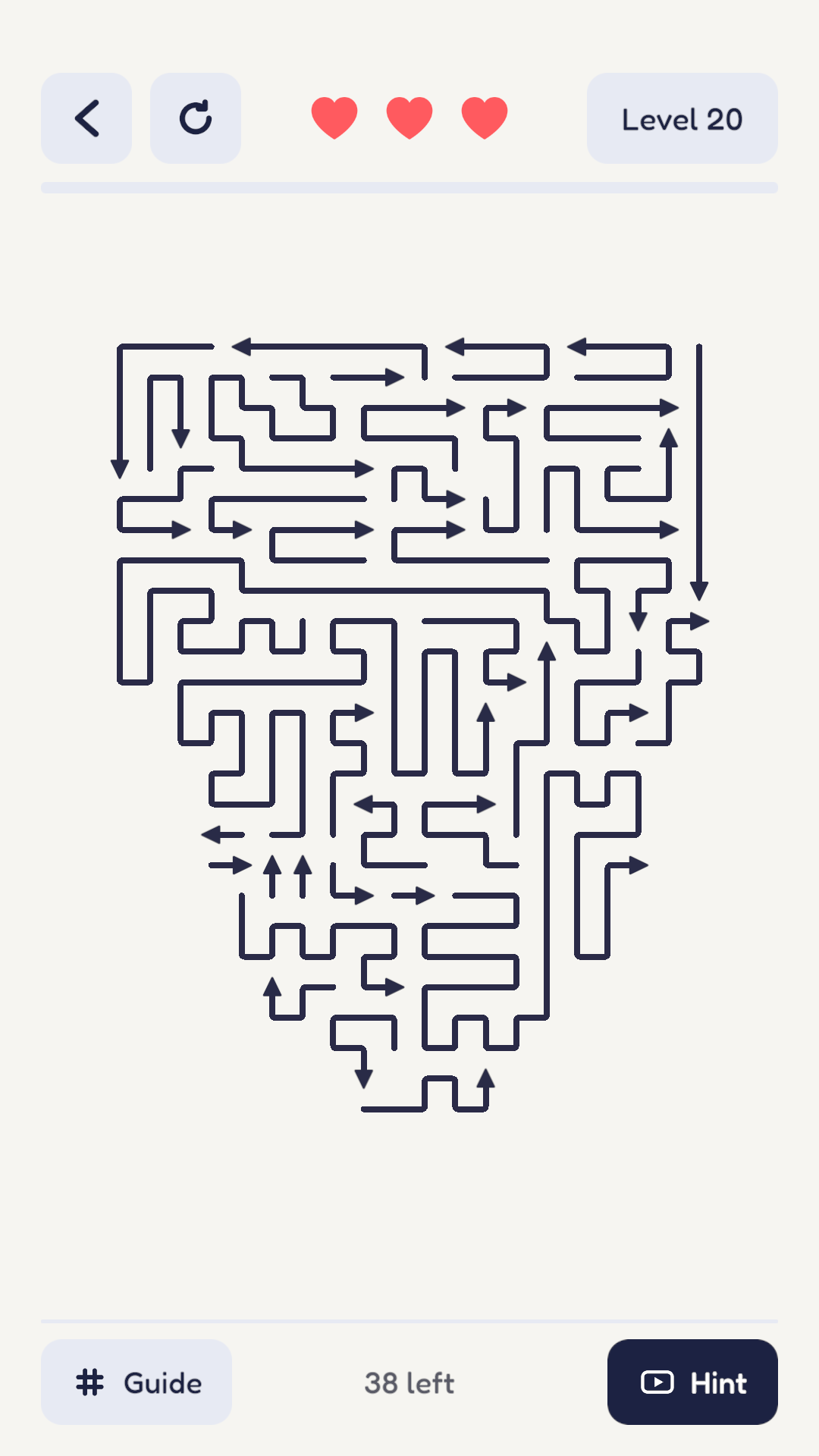
Simple to learn. Satisfying to solve.
Each arrow slides in the direction it points. Find one with nothing in its path.
Every arrow you clear opens new possibilities. Think ahead and protect your three hearts.
Clear every arrow to finish. Start small, then take on larger boards and playful shapes.
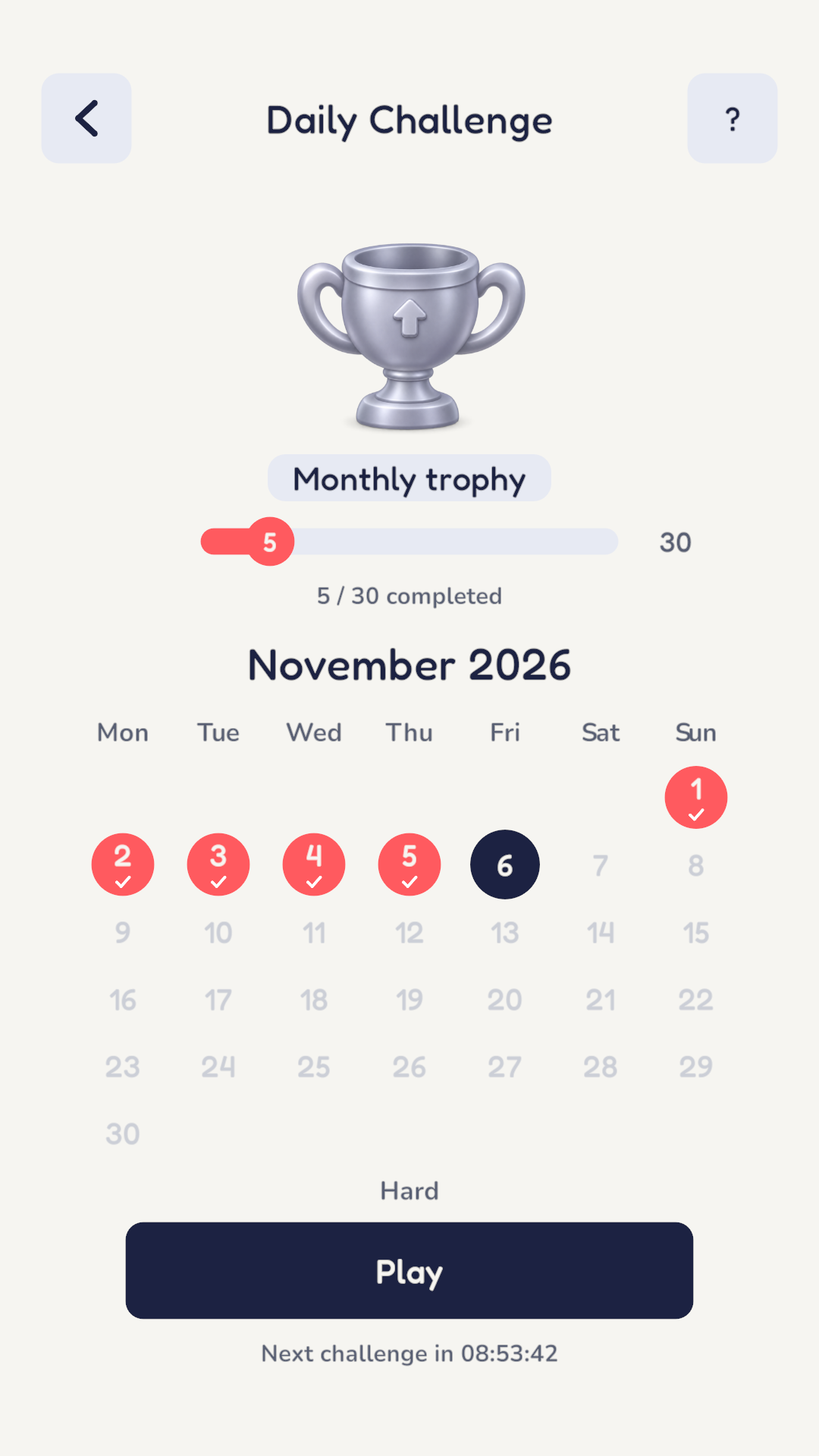
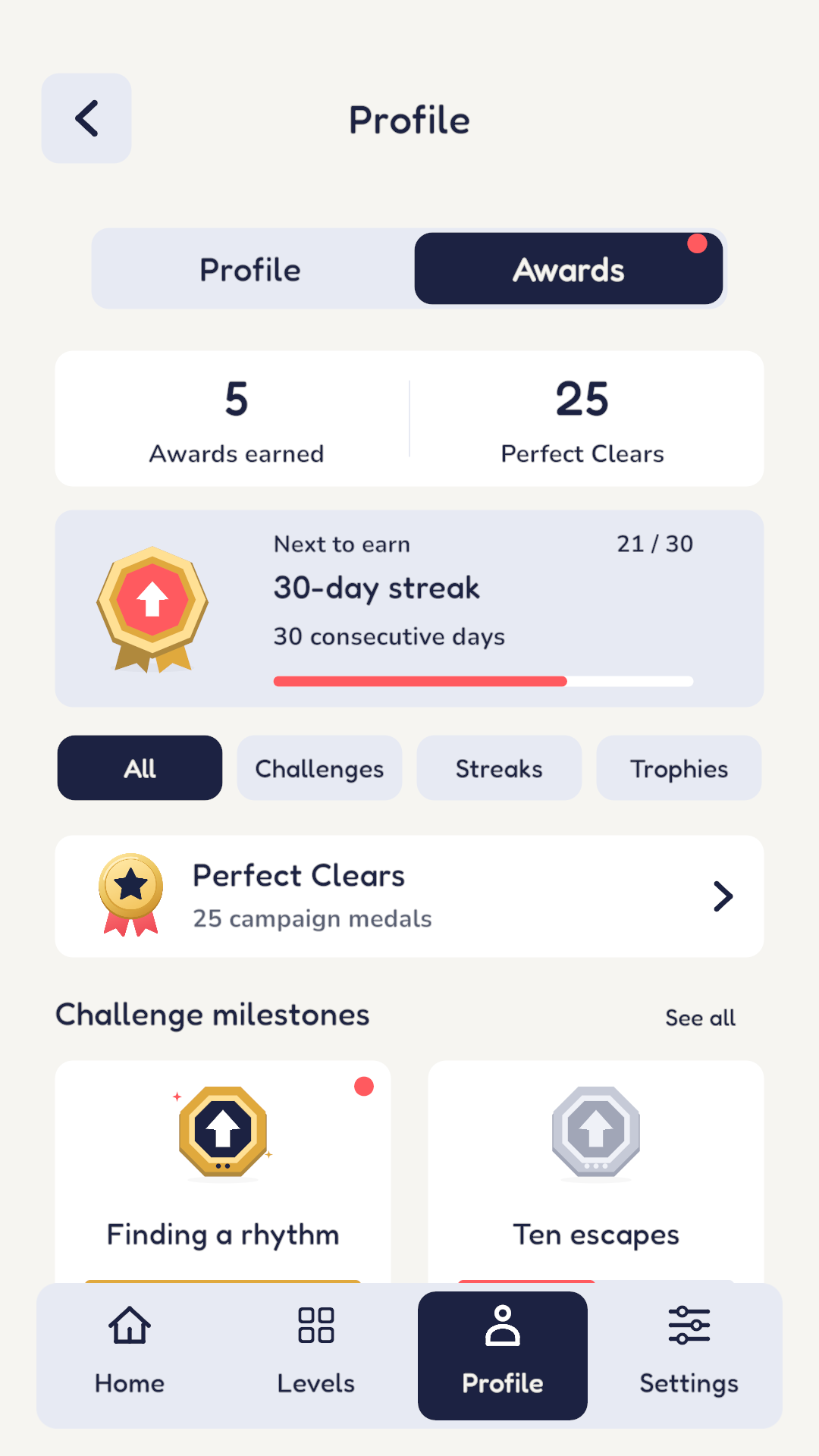
More reasons to return
Take on Daily Challenges, track your progress in your profile, and collect awards as you play. Go for a perfect clear or simply enjoy finding the next opening.
Before your first puzzle
Yes. Outpop is free to download and play. It includes occasional full-screen ads and optional rewarded ads for help such as hints or extra hearts.
No. Start playing without signing in. Google sign-in is optional and enables cloud backup for campaign progress and perfect clears, plus leaderboards.
Outpop is available on Google Play for Android phones and tablets. An iOS release is planned.
Analytics helps us understand gameplay, and crash reporting helps diagnose stability problems. You can turn analytics off in Settings; crash reporting is separate. Read the Privacy Policy for details and your choices.
Pick a puzzle. Find an opening. Let the arrows go.